InspectWarden / features

One system for every inspection your crew runs.

Extinguishers, sprinkler, fire alarm, kitchen suppression, egress and emergency lighting, AED, detectors, hood and duct, standpipe, fire pump, backflow, fire doors and dampers, emergency generators — 16 inspection types are live in InspectWarden today, each with its own checklist and its own due cadence, on one record and one route.

What the record keeps
  • Customer
  • Property
  • Individual asset
  • Inspection outcome
  • Next due date

INSPECTION TYPES LIVE TODAY

Every system on the route, not just the one on the bracket.

Each type ships with its own guided checklist and default cadence, and your team can adjust both. Adding a building with sprinkler risers, an alarm panel, two hoods and forty extinguishers does not mean four different systems.

  • Portable fire extinguisher
  • Sprinkler (wet-pipe)
  • Fire alarm
  • Kitchen suppression
  • Exit / emergency lighting
  • AED
  • Smoke detector
  • Carbon monoxide detector
  • Exit door
  • Range hood & duct
  • Standpipe & hose
  • Fire pump
  • Backflow preventer
  • Fire door
  • Fire & smoke damper
  • Emergency generator

CURRENT CAPABILITIES

What InspectWarden does today

This is the current product. Not a roadmap, not a demo script — this is what you can do the day you log in, on any of the inspection types above.

Keep a consistent inspection record while capturing the system-specific details your team needs.

Guided inspections in the field, per system type.

A technician opens the customer, opens the property, opens the individual asset, and works the checklist for that system type — gauge and seal on an extinguisher, control valves and gauges on a wet-pipe riser, panel and device test on an alarm, nozzle and fusible links on a hood. Same order on every unit and every tech, which is the point.
An explicit outcome on every asset.

Each asset closes with a result. No blank rows, no "I'll finish it tonight."

Next-due dates and recurring schedules.

Monthly, quarterly, semi-annual and annual cadences are set per system type, so closing an inspection builds next year's schedule as the route runs. Recurring schedules and reinspections are their own views.

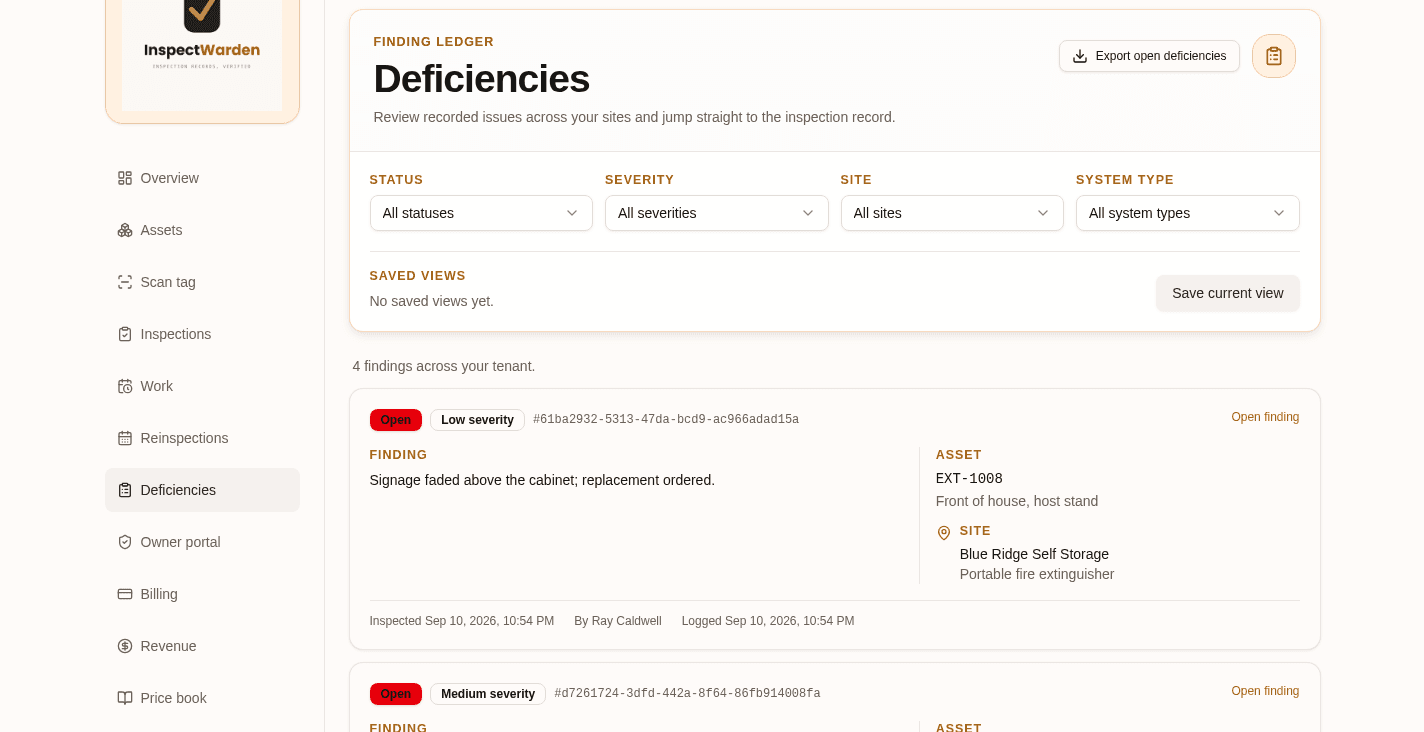
Deficiency capture with severity and photos.

When a unit fails, record what was wrong with a severity level, notes, photos, status and a timestamp, attached to that specific asset and that specific inspection — not living in a text message.

Deficiencies turn into estimates from your price book.

Build a quote from the findings using your own price book, then track it through to a work order. The repair revenue sitting in your own inspection reports stops evaporating.

Searchable history for every asset in every building.

Pull the full record for one device or the whole property: who inspected it, when, the outcome, what was found, what happened next.

Reports and share links the customer can actually open.

Generate the inspection report and share it by link, with a verification page so a property manager or AHJ can confirm the record is yours.

A customer portal for open findings.

Building owners see their inspections and their open deficiencies without another phone call to your office.

CSV import for the assets you already track.

Bring the existing spreadsheet in with a preview before commit, so an onboarding of a few thousand devices is an afternoon, not a quarter.

Team seats, roles and assignments.

Invite technicians, assign the route, and keep every entry attributable to the person who made it.

Inside the app

See the features running, not described.

Not mockups. These are screens from a live account.

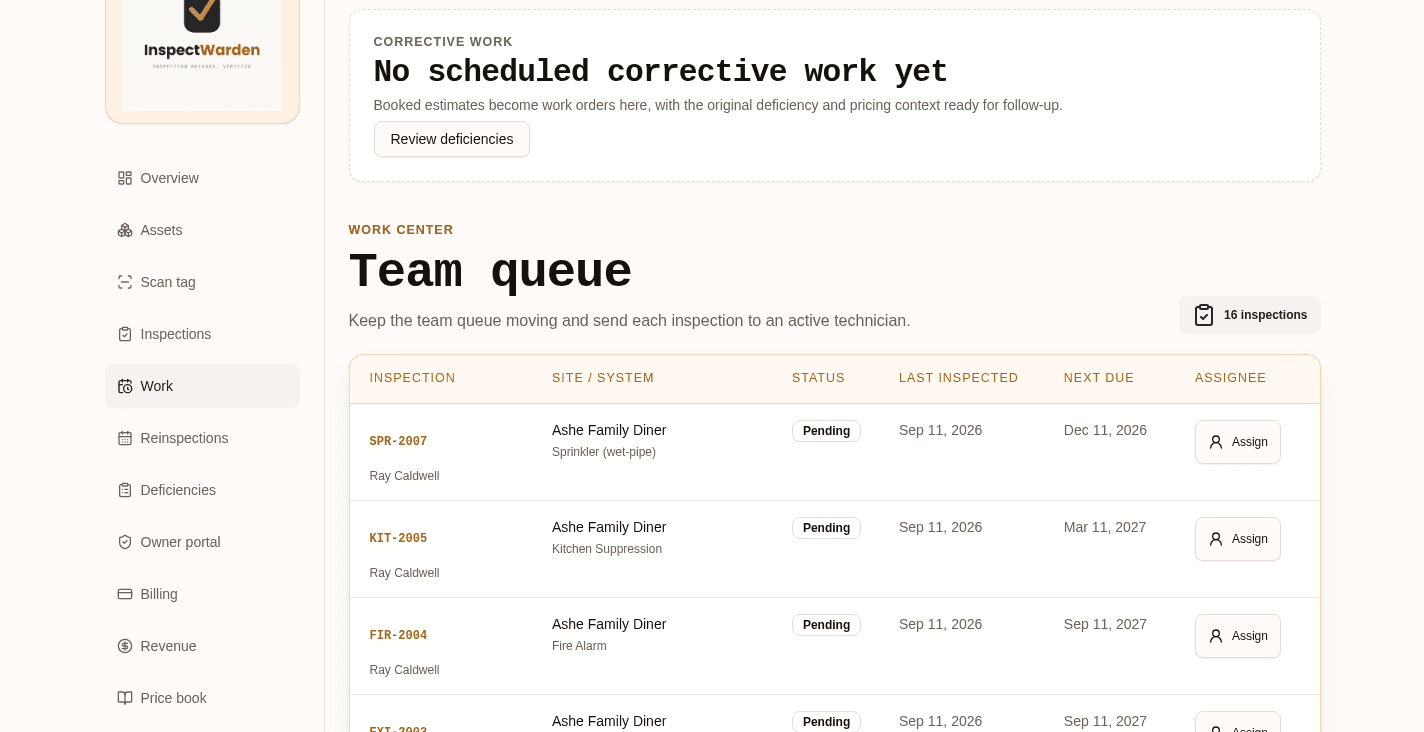
InspectWarden team queue listing inspections by site and system type with next-due dates and assignees

Team queue

Every inspection on the board with its site, system type, last inspected date, next due date, and the tech it belongs to.

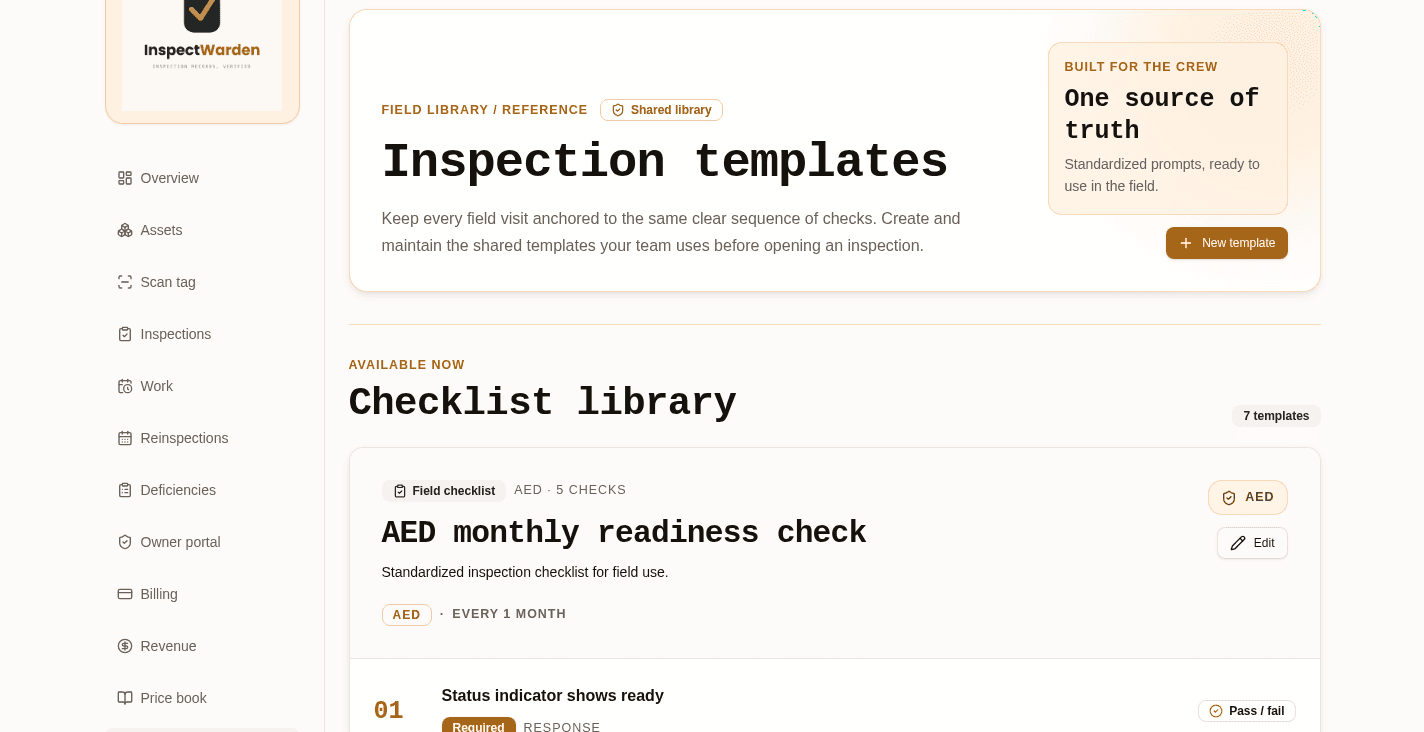
InspectWarden checklist library showing inspection templates for AED, sprinkler, fire alarm and kitchen suppression systems

Checklist library

One shared set of checklists so two techs inspecting the same system record the same things, in the same order.

InspectWarden deficiency ledger with open findings, severity levels, asset tags and site names

Deficiency ledger

Findings stay open until somebody closes them — filtered by status, severity, site, or system type.

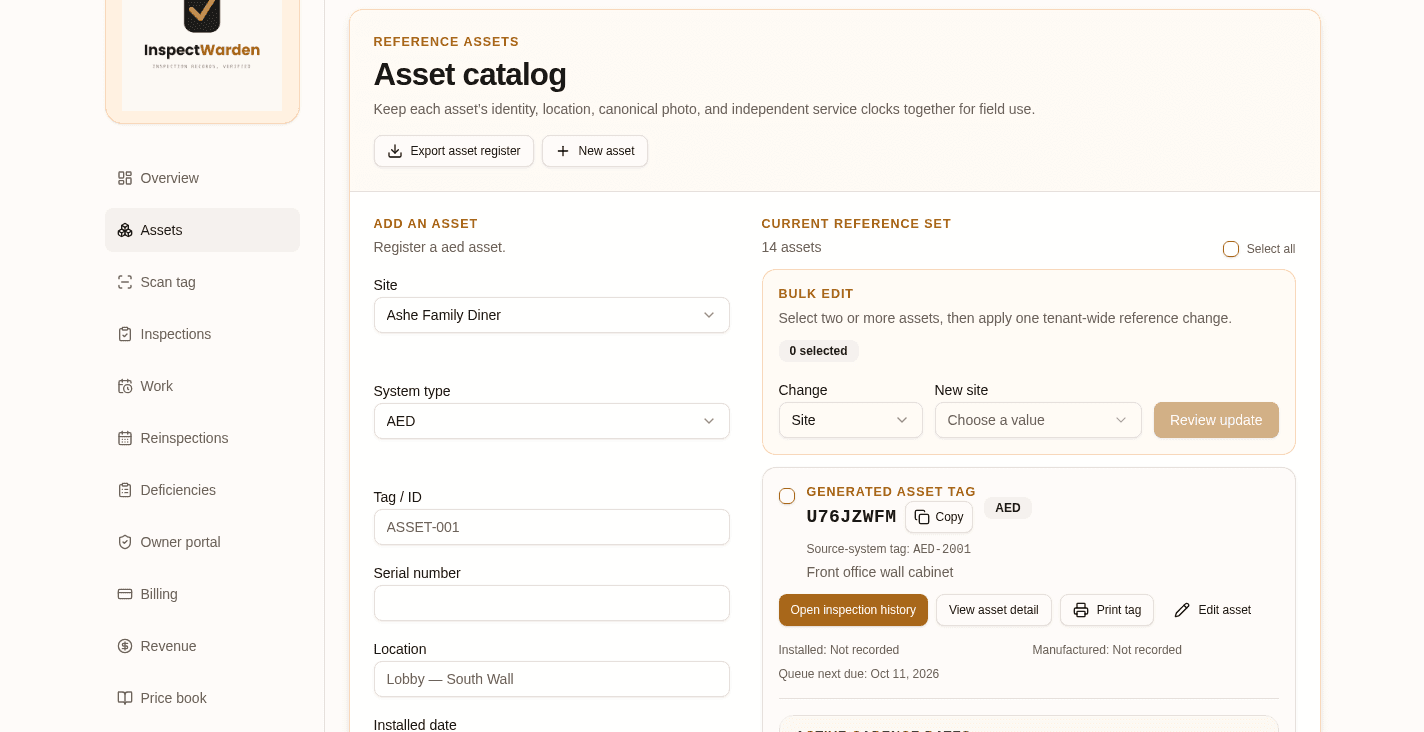
InspectWarden asset catalog with generated asset tags, locations and service dates

Asset catalog

Each device carries its own tag, location, photo, and service clock, so history follows the asset instead of the paperwork.

A note on codes and jurisdictions

Inspection requirements vary by jurisdiction and by authority having jurisdiction (AHJ). InspectWarden helps contractors record and organize inspection work; it does not replace the contractor's professional judgment or local code requirements.

We will not tell you the software makes you compliant. It makes your work findable, attributable, and provable — which is usually what the person asking actually wants.

See it on your own route.

If your crew inspects more than one kind of system and the history lives in three binders and two phones, a walkthrough is the fastest way to judge whether this fits.